Serving Your Vision
このホームページをご利用いただくための注意事項です。
このホームページは国内の医療従事者の方を対象に、タカギセイコーの眼科機器製品に関する情報を提供しています。
国外の医療関係者、一般の方への情報提供を目的としたものではありませんので、ご了承ください。
あなたは、日本国内の医療従事者ですか?
Imaging Systems
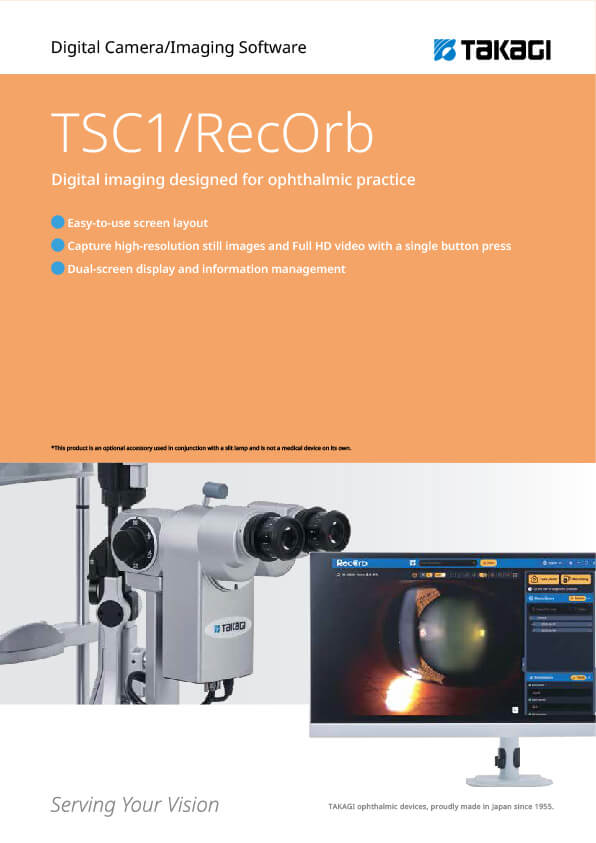
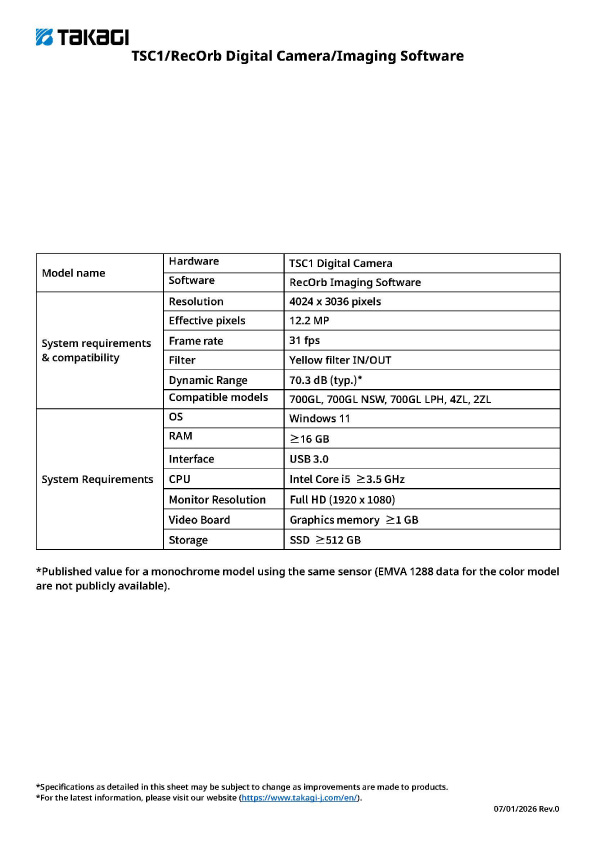
TSC1/RecOrb Digital Camera/Imaging Software
●Easy-to-use screen layout
●Capture high-resolution still images and Full HD video with a single button press
●Dual-screen display and information management
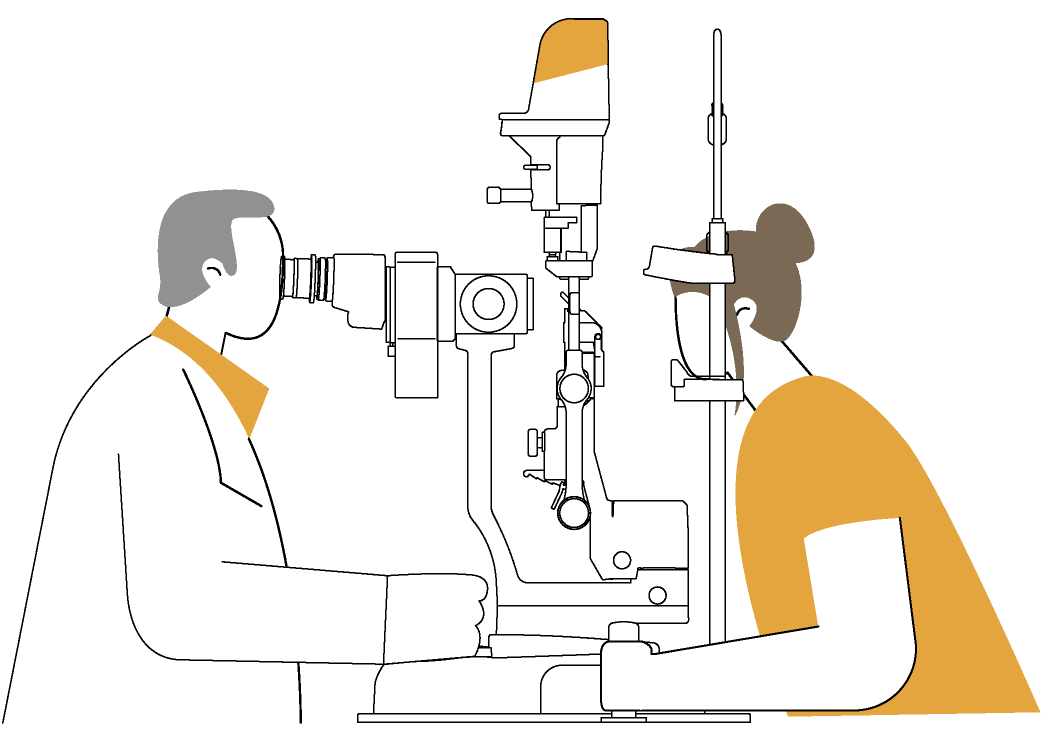
*This product is an optional accessory used in conjunction with a slit lamp and is not a medical device on its own.
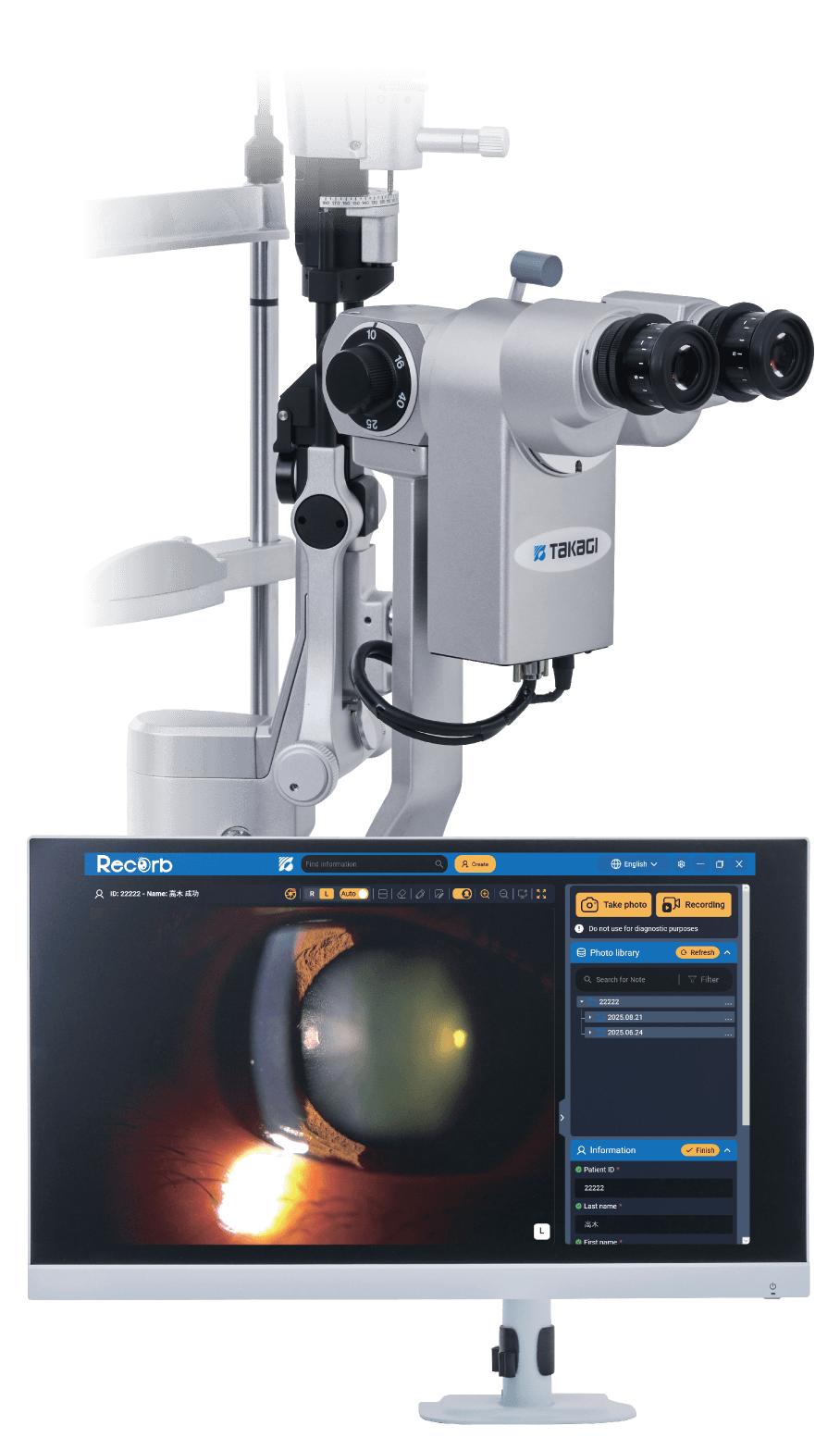
| Model Name | Manufacturer |
|---|---|
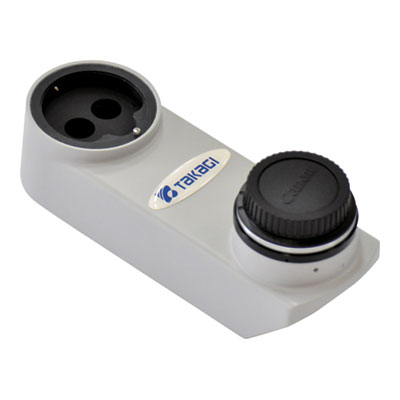
| TSC1 / Digital Camera | Takagi Seiko Co., Ltd. |
| RecOrb / Imaging software | Takagi Seiko Co., Ltd. |
Auto exposure and color tone adjustment functions are designed to enhance visibility in high-contrast areas and aid information capture during observation.
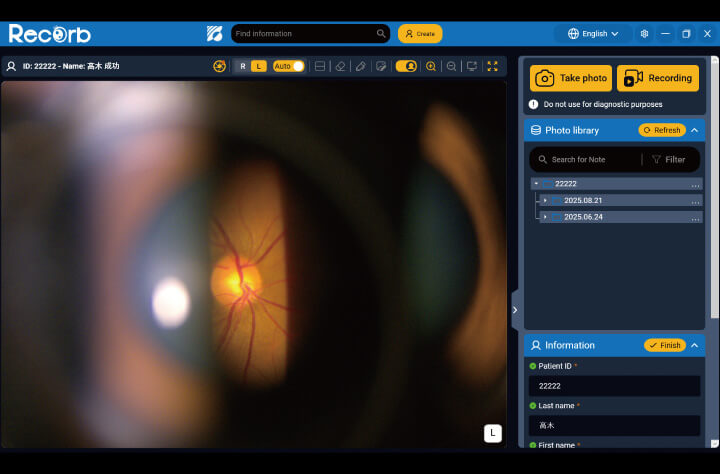
Auto exposure
Brightness is automatically adjusted according to illumination conditions to facilitate image capture.
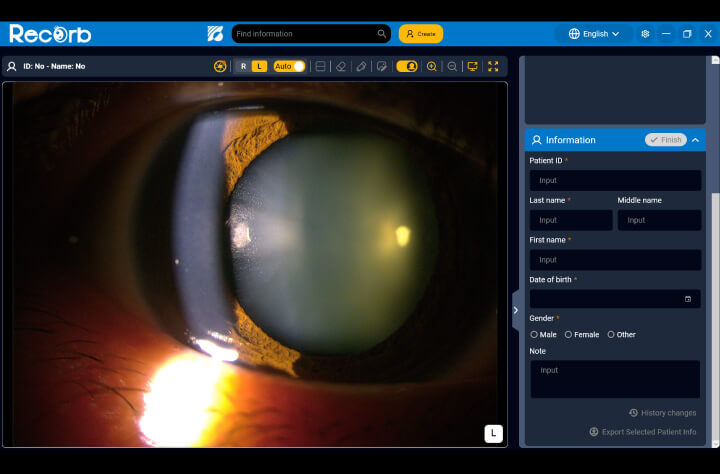
Color tone adjustment
Hue, saturation, and brightness can be adjusted while viewing the live image. Gain, white balance, and exposure time can also be adjusted automatically, with a design focused on ease of viewing and comparison.
An intuitive GUI design and on-screen guidance help users quickly understand operating procedures and enable high-definition recording.
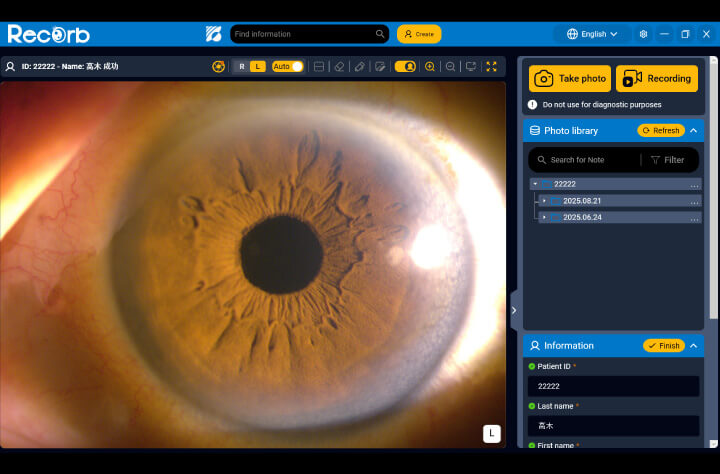
GUI (Graphical User Interface)
The visually organized screen layout allows for intuitive operation.
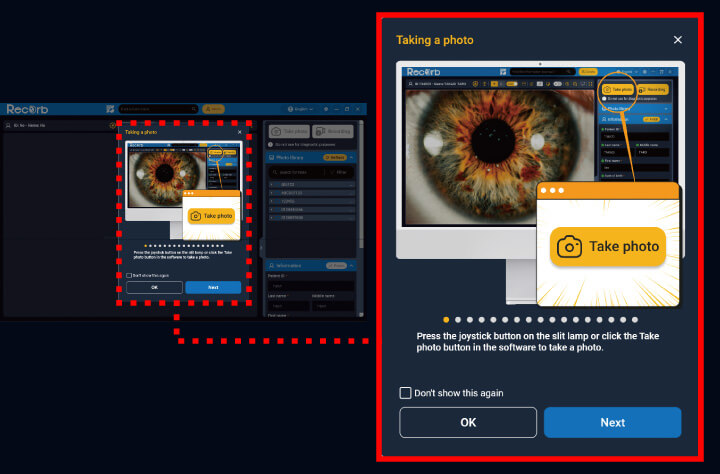
On-screen guidance
Guidance is displayed at application startup to support smooth operation.
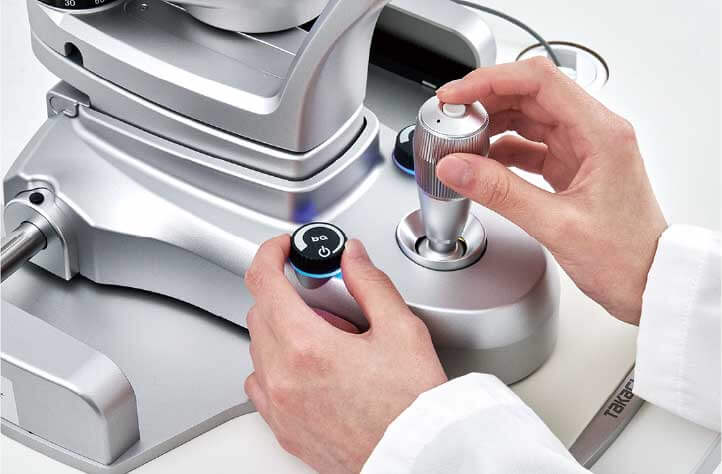
Image capture
High-resolution still images and Full HD video can be captured smoothly using the joystick trigger button, enabling easy operation during examinations.
Designed with consideration for image display and patient information management, it supports a clinical environment that enables clear patient communication and efficient information review.
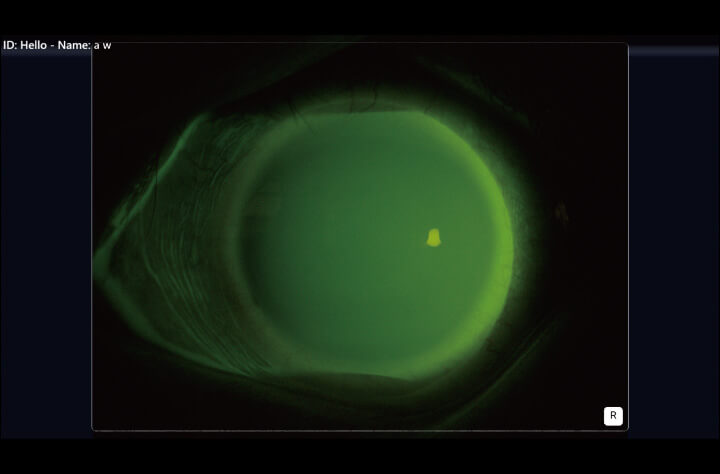
Dual-display capability
Captured still images and videos can be clearly displayed on a patient-facing monitor, facilitating confirmation and explanation during examinations.
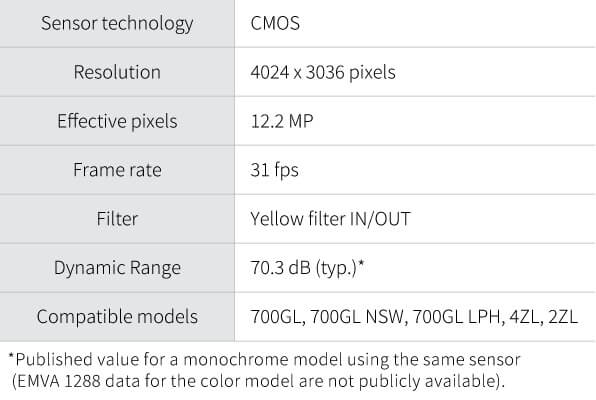
The camera is equipped with a yellow filter as standard, convenient for fluorescence observation.
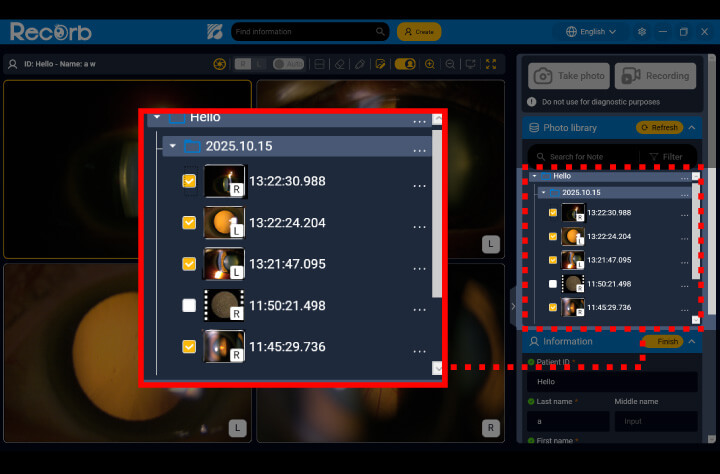
Up to four images for comparison
Up to four recorded still images or videos can be displayed simultaneously, enabling easy comparison for follow-up and evaluation.
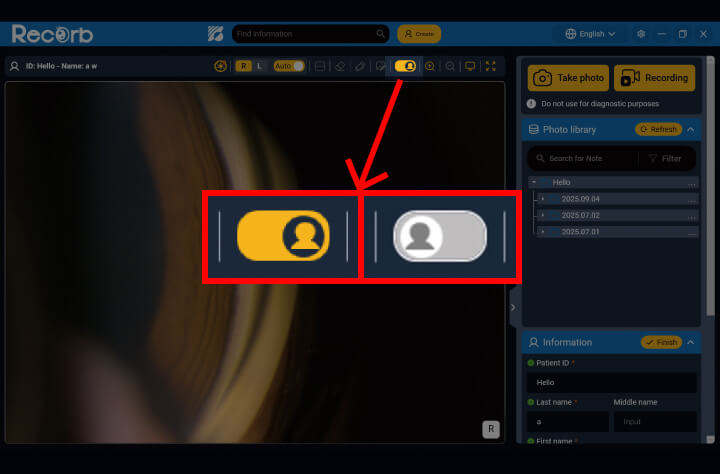
Patient privacy guard
The Patient privacy guard displays only the patient’s own information, helping prevent accidental disclosure of other patients’ data and reducing the risk of incorrect explanations.
※The Patient privacy guard can be turned on or off with a single click.
The system features a GUI (Graphical User Interface) designed with a strong focus on visibility and ease of operation. Guided on-screen instructions displayed at startup help support smooth examinations.
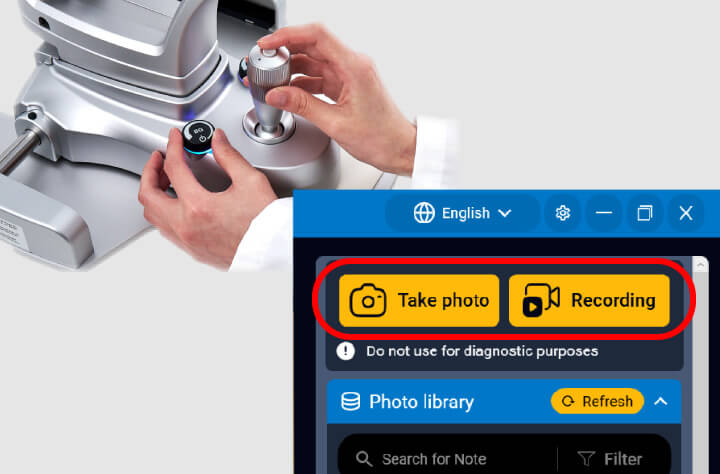
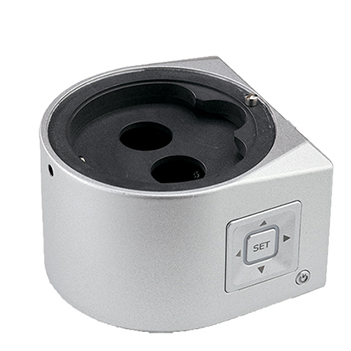
A single press of the joystick trigger button captures high-resolution still images. Press and hold the same button to record Full HD video for up to 1 minute.
Still images and videos can also be captured directly from the application screen.
After launching the application, image capture is possible even before patient information is registered, allowing flexible adjustment of capture timing according to the clinical workflow.
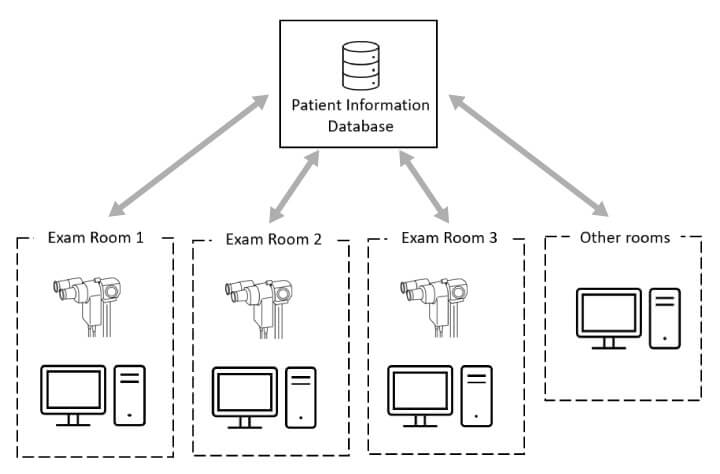
By configuring the storage destination for captured images on the hospital network, patient data can be accessed from any examination room.
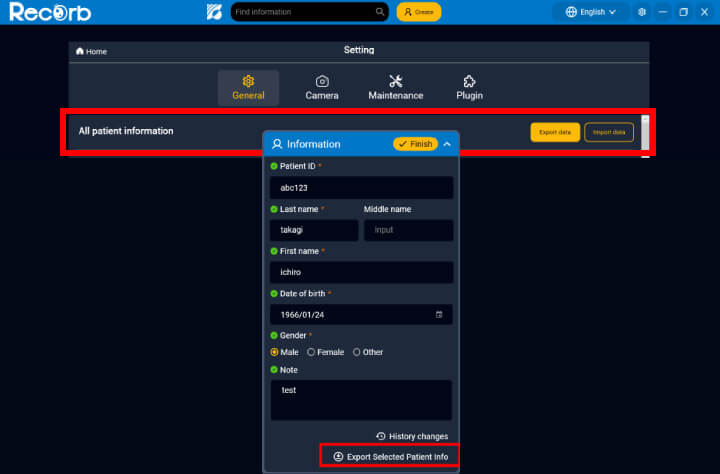
Patient information, including patient IDs and names, as well as captured data, can be imported and exported.
*Limited to data captured with the TSC1. Importing data captured with other products is not supported.
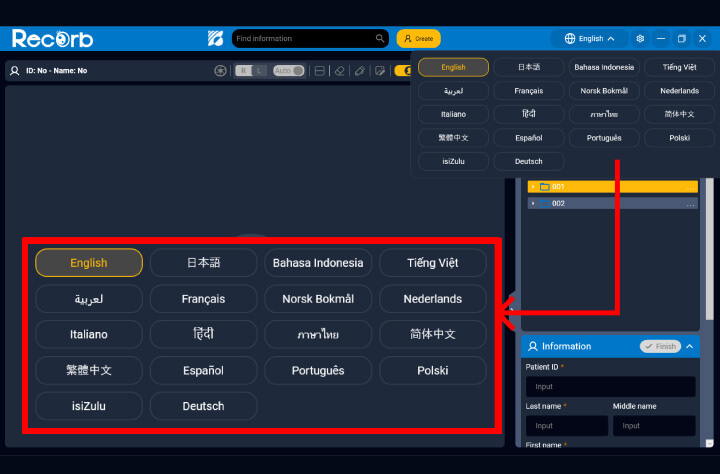
Supports 18 languages: Japanese, English, Chinese (Simplified/Traditional), Arabic, Spanish, French, Portuguese, Norwegian, Polish, Dutch, Italian, German, Hindi, Thai, Vietnamese, Indonesian, and Zulu for operation in diverse language environments.
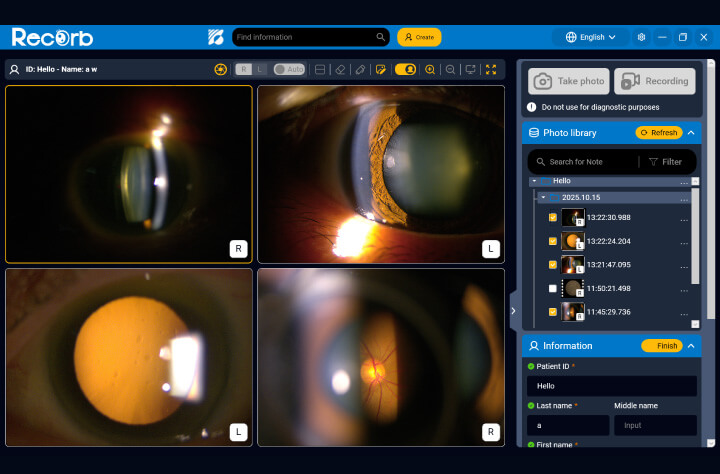
Up to four captured still images and videos can be displayed simultaneously.
This is particularly useful for comparative review during follow-up examinations.
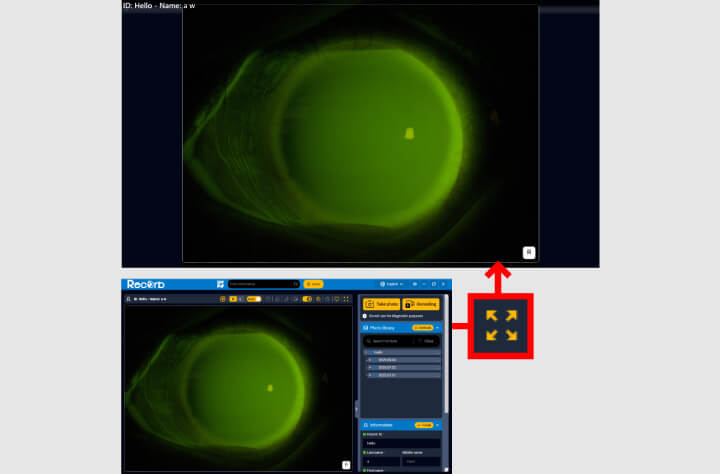
When a shared monitor for patient communication is installed separately from the doctor’s monitor, captured data can be displayed in an enlarged view for easier patient viewing, helping facilitate smooth explanations.
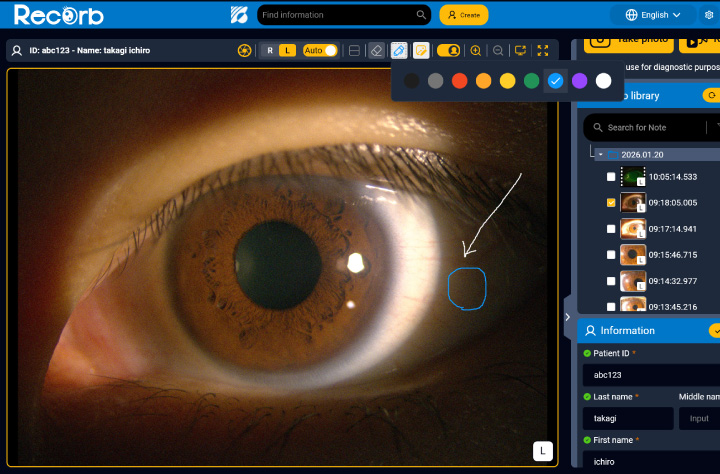
Equipped with an annotation function that allows notes and markings to be added directly to captured data using a pen tool (color selectable) and eraser for enabling clear visual explanations for patients. Annotations added to still images can also be saved and reviewed later.
*Annotations added to videos or during multiple-content display cannot be saved.
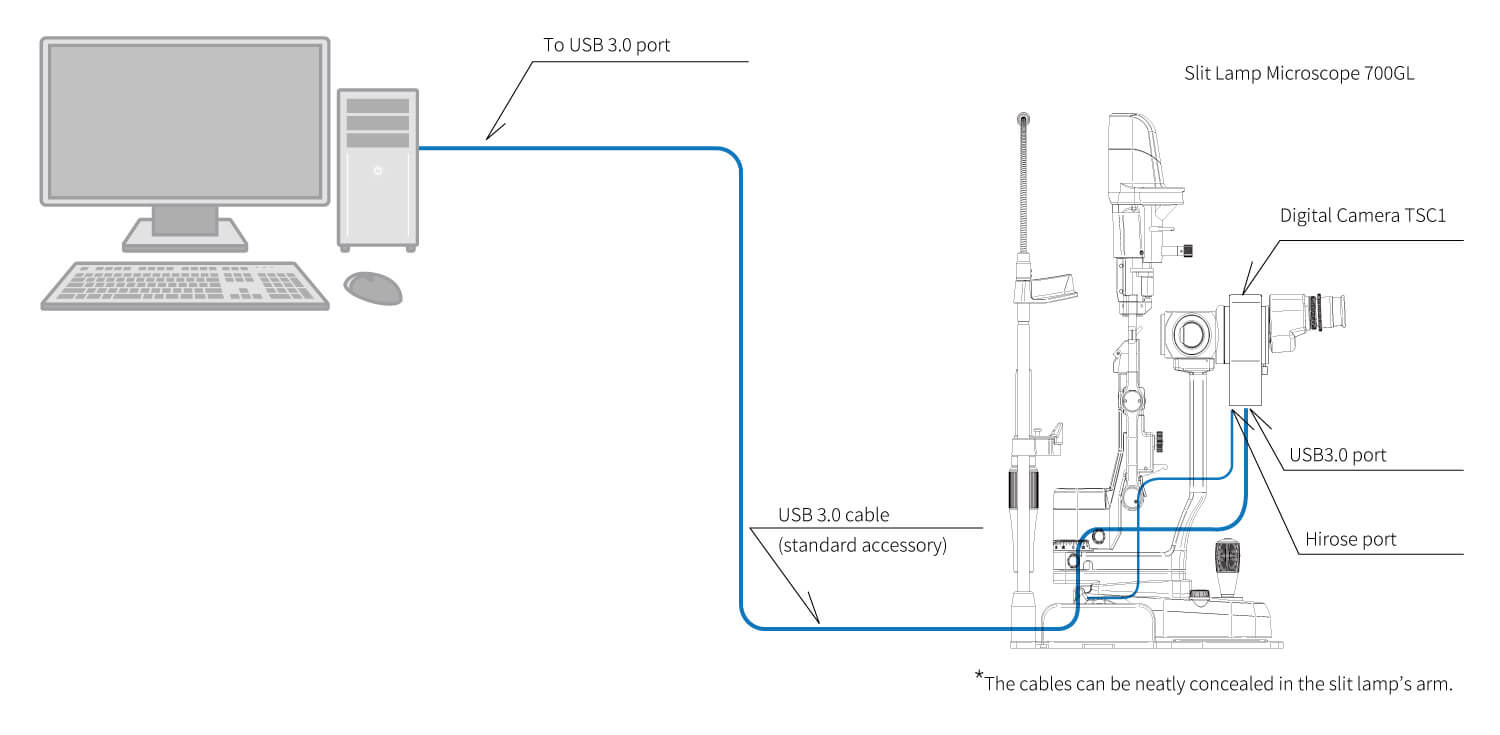
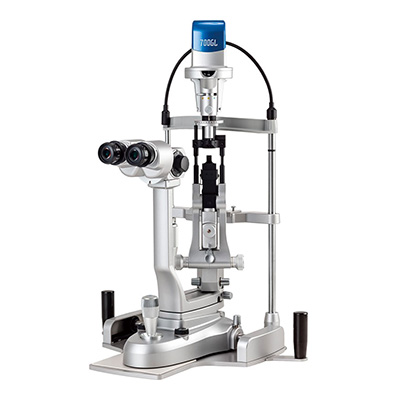
5x step Galilean type, converging optics, upper LED illumination, and built-in background illumination
5x step Galilean type, converging optics, upper LED illumination, built in background illumination and wide angle fundus observation
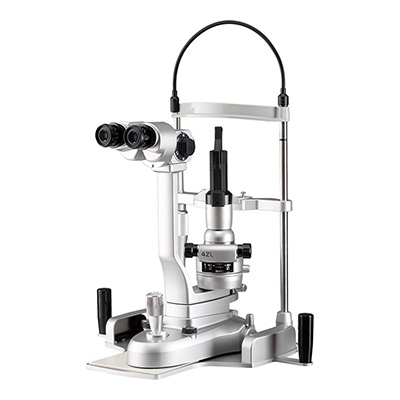
5x step Galilean type, converging optics, lower LED illumination, and built in background illumination
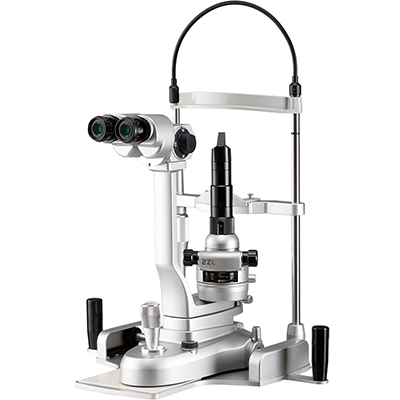
3x step Galilean type with converging optics and lower LED illumination
 Home
Home Distributors Login